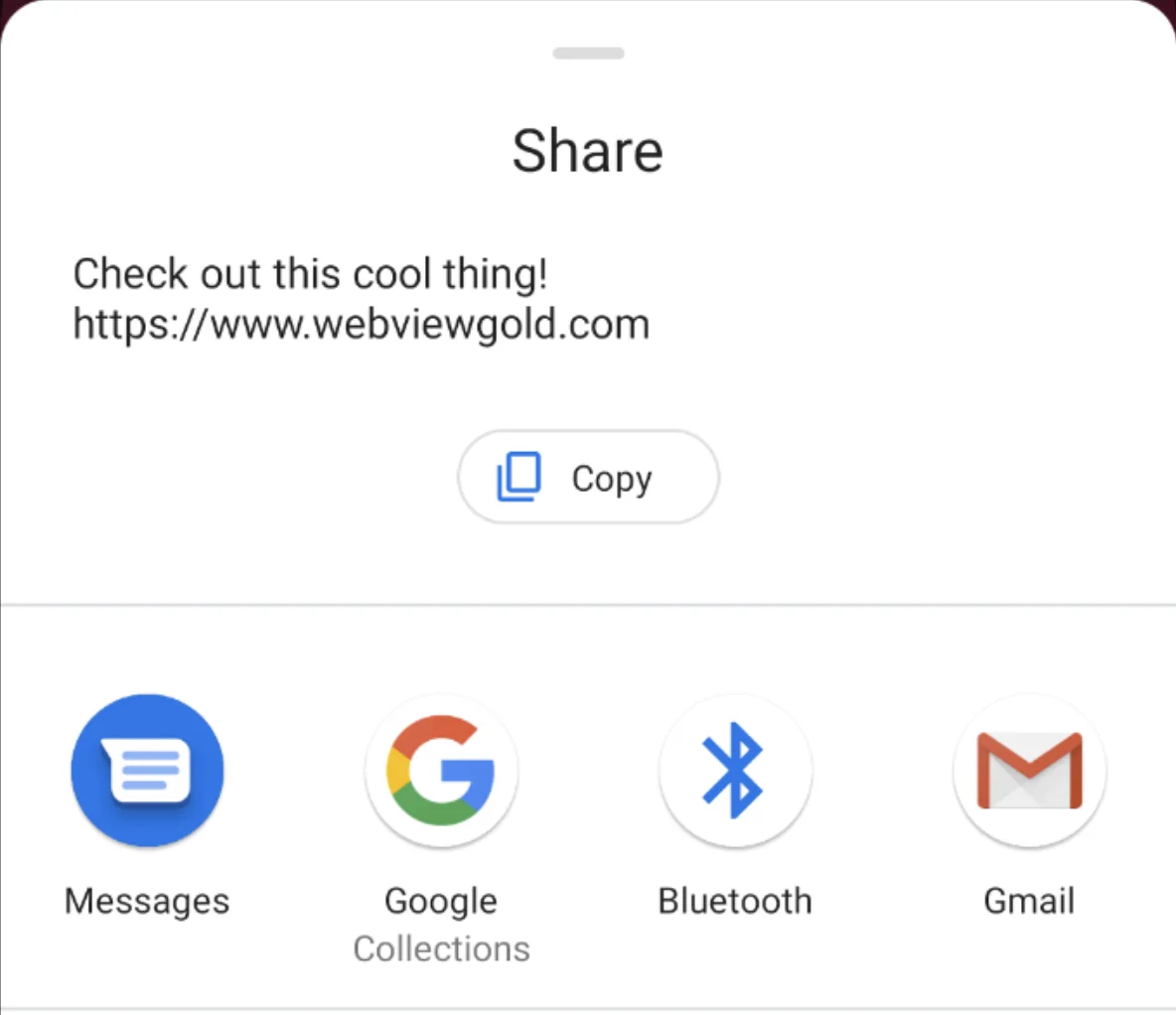
App Sharing Dialog API
Trigger the native Android share dialog from your web app to let users share your app or any URL.
The App Sharing Dialog API in WebViewGold enables your users to share content from your app, such as the download link or custom messages, with friends and family via their preferred apps (e.g. WhatsApp, SMS, Email). This can be an effective way to increase your app’s visibility and grow your user base.
How to Use the App Sharing Dialog in Your WebView-Based Android App
You can trigger a native sharing dialog by using the shareapp:// URL scheme with customizable message and URL parameters.
Below are examples of the different ways to implement this feature:
<a href="shareapp://message?=Check out this cool thing!&url=https://www.webviewgold.com">Share (message, link)</a>

<a href="shareapp://message?=&url=https://www.webviewgold.com">Share (no message, link)</a>

<a href="shareapp://message?=Check out this cool thing!">Share (message, no link)</a>