URL 处理 API
决定哪些链接在应用内、应用内浏览器标签页或 Safari 中打开——为 iOS 提供完整的 URL 处理控制。
To improve user experience, it's often beneficial to customize how your app handles different types of web links. For example, social media buttons can be configured to open in the system browser or respective app, rather than within your app. WebViewGold provides flexible settings to customize URL handling for your WebView-based Android app.
Types of Links:
- External Links: Links that lead to a different domain from your app's primary domain.
- Example: If your app's domain is mydomain.com, an external link would be google.com.
- Internal Links: Links that stay within the same domain as your app.
- Example: If your app's domain is mydomain.com, an internal link would be mydomain.com/purchase.
- Special Links: Links that include special attributes, such as target="_blank".
To configure the URL Handling API, open Config.swift:
- To open all external links in Safari:
- Set
openallexternalurlsinsafaribydefaulttotrue.
- Set
- To set domains which always open in Safari (regardless of
openallexternalurlsinsafaribydefaultsetting):- Add the desired domains to the
safariwhitelistlist. - Insert another host like so: ["alwaysopeninsafari.com", "google.com", "m.facebook.com"].
- Please enter the host exactly how you link to it (with or without www, but always without http/https).
- Add the desired domains to the
- To set domains which never open in Safari (regardless of
openallexternalurlsinsafaribydefaultsetting):- Add the desired domains to the
safariblacklistlist. - Insert another host like so: ["alwaysopeninsafari.com", "google.com", "m.facebook.com"].
- Please enter the host exactly how you link to it (with or without www, but always without http/https).
- Add the desired domains to the
Open links in a tab/additional In-App-Browser
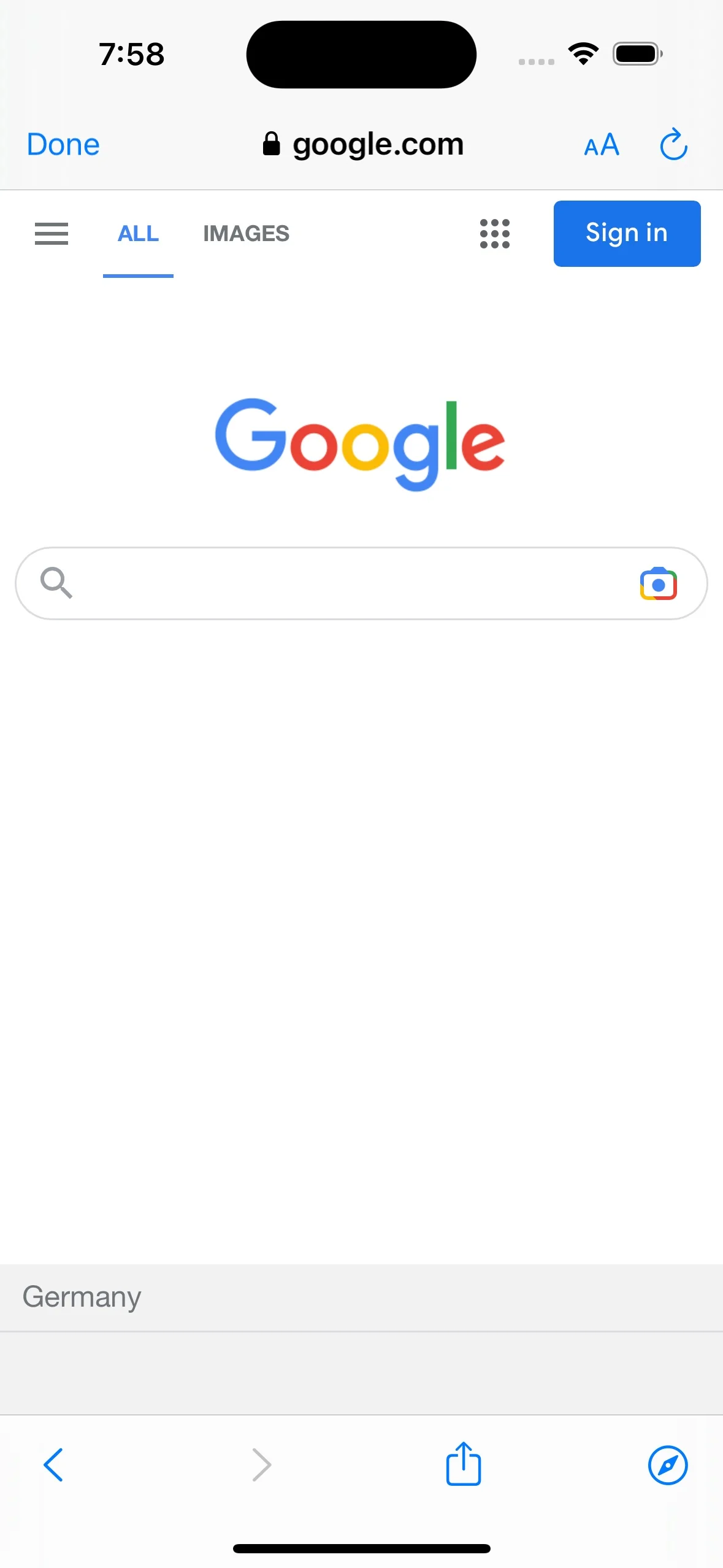
Some links, like a Terms and Conditions page, may not be significant enough to open in an external system browser yet too specific for your app's primary WebView. WebViewGold provides a creative solution for handling these links: an in-app browser tab that opens over the main WebView, providing a hybrid app and browser experience. Here's what it will look like:

Key Features of the In-App Browser Tab:
- The in-app browser tab includes an address bar and navigation buttons, offering a more browser-like experience than the primary WebView.
- Ideal for content that requires easy navigation, such as tutorials, knowledge bases, or pages with specific information.
How to Use the In-App Browser Tab in Your WebView-Based iOS App:
To open a link in the in-app browser tab, set openspecialurlsinnewtab to true format the URL in your HTML as follows:
<a href="https://www.example.com" target="_blank">Open link in an in-app tab</a>
Simply, a special link is classified as a link that has the "_blank" target attached. In a normal browser, this would make the link open in a new tab. In WebViewGold app, you can make it open in the in-app tab instead.
Please note that if the link you are using is external (has a different domain to your website like "www.google.com", for example) please also make sure that openallexternalurlsinsafaribydefault is set to false as it will override the special-external link to open in the Safari app instead.
To see how your app will handle different types of links, use the following URL as the WebView URL during testing:
Test Link: https://www.webviewgold.com/demo/testlinks.php
Note: You can also open the same domain in your desktop browser to view the source code and copy the format for your links.
SDK 风格的实现说明
将此功能视为向 Web 层公开的原生能力:将生产网站或 PWA 作为唯一可信来源,然后使用文档中的 WebViewGold 配置标志、URL 命令和 JavaScript 桥接调用,仅在能够带来价值的地方启用原生 iOS 行为。这种方式让代码库易于维护,因为同一个 Web 应用只需极少的条件逻辑即可同时服务于浏览器、WebViewGold for iOS 以及其他 WebViewGold 平台。
为获得可靠的结果,建议优先使用 HTTPS 端点、稳定的路由名称、在界面中明确的成功/错误状态,以及封装原生调用的小型 JavaScript 辅助函数。例如,使用 jQuery Mobile、Lovable、Base44、Bolt、WordPress、Bubble、自定义 React/Vue/Angular 技术栈或静态 HTML 构建的 Web 应用,可以提供单个按钮或事件处理程序来触发原生 WebViewGold API,同时仍为浏览器提供优雅的回退方案。
- 推荐的集成模式:检测应用上下文,调用 WebViewGold API,然后在原生回调或路由变更后更新 Web 界面。
- 测试清单:在真机或打包构建上验证该功能,检查权限和商店审核文案,并确认仅使用浏览器的用户仍能获得有用的回退方案。
- SEO 优势:让功能页面、路由标题和结构化内容在您的网站上保持可被索引,同时由 WebViewGold 为 iOS 用户提供原生应用外壳。